SBX OMS / FOR FMCGFrom customer PO to release-ready order
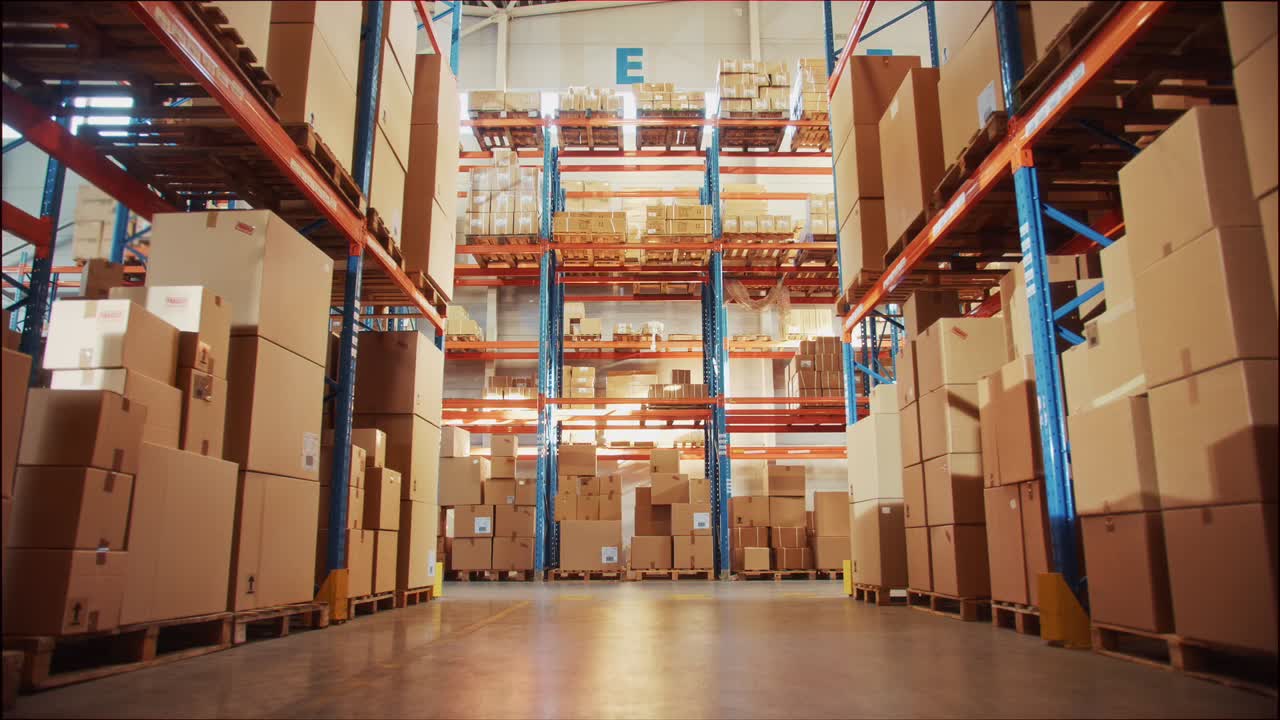
Warehouse storage aisles and material handling equipment

SBX OMS / OMNICHANNEL ORDER MANAGEMENT

Order Management
System

Automate customer PO capture, validation and inventory allocation. Built for FMCG order desks, from the first order line to ERP release and reconciliation.

From customer PO to release-ready order.Capture / Validate / Allocate / Fulfil

Trusted across the Stackbox platform

NestléWalmartCoca-ColaDaburFerreroReckitt

Customers shown use the Stackbox platform across its product portfolio.

ORDER MANAGEMENT FOR FMCG

From customer PO
to release-ready order.

One order flow from capture to reconciliation.

Stackbox OMS is an omnichannel order management system for FMCG brands. It brings customer purchase orders into one queue, validates every line and allocates inventory against available-to-promise stock.

Your order desk sees quantities, cuts and exceptions together. Allocated orders pass to ERP, warehouse and transport workflows through Stackbox Setu.

See how it works
01Capture

Every order channel

02Validate

Masters and rules

03Allocate

Live ATP and policy

04Release

Order / OBD to ERP

05Fulfil

ASN, WMS and TMS

06Reconcile

Invoice and GRN

ORDER AUTOMATION AT A GLANCE

Reported by Stackbox in the supplied OMS deck
Up to 80%

Less order-processing time

2–5%

Higher fill rate / SAMBC

24×7

Automated order ingestion

01

Shared order queue

Outcome figures are vendor-reported, not independently verified. Results depend on your baseline, integration scope and allocation policies.

HOW STACKBOX OMS WORKS

Order processing,
stage by stage.

Capture the PO, validate its lines, allocate stock and keep the order moving through fulfilment.

01

Bring every customer PO into the flow.

Capture orders around the clock, then check the data before it reaches allocation.

Channel ingestion

Accept feeds, documents, portals and manual uploads in one queue.

Document extraction

Read order lines from PDFs, images, Excel and structured formats.

Business validation

Check SKU, ship-to, price, credit, MOQ and case-pack rules.

Exception review

Send low-confidence lines and failed checks to people for resolution.

08 ORDER MANAGEMENT CAPABILITIES

Built around
the order desk.

Order capture, inventory allocation and fulfilment in a connected workflow.

SBX OMS / ORDER MANAGEMENT01 / 08
01

Multichannel order capture

Bring customer purchase orders from email, portals, EDI, APIs, SFTP and WhatsApp into one queue. Process PDF, image, Excel, XML and JSON formats, with manual upload available when needed.

One queue for every order channel.

SBX OMS / ORDER MANAGEMENT02 / 08
02

Order validation and Document AI

Extract PO lines and check SKU, ship-to, price, credit, minimum order quantity and case-pack rules. Route low-confidence document lines and failed checks to the right person.

People review the lines that need a decision.

SBX OMS / ORDER MANAGEMENT03 / 08
03

Available-to-promise and reservations

Use available-to-promise inventory by distribution centre alongside open orders and existing reservations. Hold stock for priority customers and channels before the next allocation run.

Allocate against stock you can promise.

SBX OMS / ORDER MANAGEMENT04 / 08
04

Rules-based inventory allocation

Apply customer priorities, fair-share cuts and channel quotas to each order line. Return an allocated quantity and a reason for every cut, with a record of each decision.

Your allocation policy, applied consistently.

SBX OMS / ORDER MANAGEMENT05 / 08
05

Dynamic source selection

Check alternate distribution centres when the primary source is short. Use stock availability and configured sourcing rules to decide where an order can be fulfilled.

Find available stock across the network.

SBX OMS / ORDER MANAGEMENT06 / 08
06

Inter-site replenishment

Monitor minimum and maximum inventory cover by SKU and node. Trigger inter-site replenishment from inventory norms to address shortages before they affect incoming orders.

Replenishment linked to node-level stock needs.

SBX OMS / ORDER MANAGEMENT07 / 08
07

ERP release and fulfilment coordination

Push allocated orders and outbound delivery advice to ERP through Stackbox Setu. Coordinate advance shipping notices, appointments and handoffs to warehouse and transport systems.

Connect order allocation to physical fulfilment.

SBX OMS / ORDER MANAGEMENT08 / 08
08

Invoice and GRN reconciliation

Match invoices against goods receipt notes at order-line level. Bring quantity differences into the order view so teams can investigate short receipts and close the loop.

Follow the order through to goods receipt.

THE INVENTORY ALLOCATION ENGINE

Short on stock?
Let the rule decide.

Three customers order 1,400 cases. Only 1,000 are available. See how fair-share and priority-first rules change each allocation.

  • Apply customer and channel priorities.
  • Allocate within available stock.
  • Share cuts with a reason at allocation.
  • Log the policy behind each decision.
TRY AN ALLOCATION RULEILLUSTRATIVE / ONE SKU, ONE DC

See the allocation rules in action.

Change the rule or the stock available.

1,000 cases
Illustrative customer allocation in cases
CustomerOrderedAllocatedFill
A · Key account50035771%
B · Modern trade40028672%
C · Distributor50035771%
Total1,4001,00071%

Fair share: available stock is split in proportion to demand, rounded to full cases.

Example from the supplied deck. This illustration uses full cases and excludes MOQ, channel quotas and sourcing constraints.

WHY STACKBOX OMS

Built for the details
in B2B orders.

Customer formats, stock constraints and allocation decisions in the same flow.

01

FMCG order rules

Configure priorities, channel quotas, MOQ and case packs around your customers and products.

02

Allocation built in

Connect order processing to stock availability, reservations, sourcing and replenishment.

03

Exceptions with owners

Route the work that needs judgment and keep its status visible.

04

A single order view

Track ordered, allocated, cut, invoiced and received quantities at order-line level.

05

Connected through Setu

Use a shared integration layer for ERP, customer systems, portals and order channels.

06

Phased automation

Start under supervision and expand automation as decision quality proves reliable.

ORDER MANAGEMENT CONTROL TOWER

See where
orders are waiting.

Track the order desk from PO receipt to release. Open a KPI to see the orders behind it and the owner of each exception.

  • Order cycle time and open-order ageing.
  • Touchless order rate.
  • Allocation fill rate and cuts by reason.
  • Exceptions by owner and time to close.
ORDER DESK / CONTROL TOWERILLUSTRATIVE DATA
24 minPO-to-release time
78%Touchless rate
94%Allocation fill rate

Open exceptions by reason

Out of stock22
Credit12
Master data8
MOQ5
Illustrative dashboard. These values are examples, not customer results.

PHASED ORDER AUTOMATION

Start supervised.
Expand as decisions prove reliable.

Measure human touches per order. Introduce more autonomy as the workflow earns it.

01 / SUPERVISED

Automate high-confidence orders.

Configured workflows run from capture to release. People resolve every flagged exception.

PEOPLE FOCUS

Review exceptions and establish decision quality.

02 / SELF-HEALING

Resolve recurring exceptions.

Introduce automatic fixes for repeatable cases as their handling proves reliable.

PEOPLE FOCUS

Handle new cases and refine the rules.

03 / AUTONOMOUS

Operate within agreed policies.

Expand automatic execution and correction across the approved scope.

PEOPLE FOCUS

Set policy, audit decisions and review outcomes.

The rollout is staged. Scope and automation levels depend on your systems, data quality and agreed operating rules.

Connected by
Stackbox Setu.

A shared integration and workflow layer connects ERP, customer systems and portals. Define the channels, formats, master data and manual fallbacks for your operation during discovery.

FAQs

Order management,
explained.

Have a question about your order flow?

What is an order management system (OMS)?

An order management system manages customer orders from receipt through allocation, fulfilment and reconciliation. Stackbox OMS captures customer purchase orders, validates the order lines, checks inventory availability and releases allocated orders to ERP.

Who is Stackbox OMS built for?

Stackbox OMS is built for FMCG and consumer goods brands managing B2B orders across modern trade, distributors, retail and food-service channels. It supports order desks and shared-services teams handling multiple customer formats and stock-allocation rules.

How does omnichannel order management work?

Orders from different channels enter a shared queue. Stackbox OMS accepts API and webhook feeds, EDI, SFTP and AS2, customer portals, email attachments, WhatsApp and manual uploads. Each channel is scoped and configured during implementation.

How does the inventory allocation engine handle shortages?

The engine uses live available-to-promise stock, open orders, reservations, customer priority and channel quotas. You can configure fair-share allocation, priority-first rules and alternate-DC sourcing. Each allocated quantity and cut has a recorded reason.

What is available-to-promise (ATP) inventory?

Available-to-promise inventory is the stock available to commit to customer orders after accounting for existing commitments. Stackbox OMS uses ATP by distribution centre together with reservations and open orders to make allocation decisions.

Can it automate purchase orders received as PDFs or images?

Yes. Document AI extracts order lines from PDFs, images and other supported formats. Low-confidence lines are sent for review, then order validation checks SKU, ship-to, price, credit, MOQ and case-pack rules before allocation.

How does OMS connect with ERP, WMS and TMS?

Stackbox Setu connects OMS to ERP, customer systems and portals. Allocated orders or outbound delivery advice are passed to ERP. ASN, slot and execution handoffs connect the order flow to Stackbox WMS and Stackbox TMS. The integration scope depends on your systems and workflow.

Can Stackbox OMS support FMCG distribution in India?

Yes. The OMS supports purchase-order capture, customer and channel priorities, SKU and case-pack rules, distribution-centre allocation, alternate sourcing and inter-site replenishment. A demo can map these capabilities to your Indian FMCG distribution network and ERP setup.

Can teams review and override automated decisions?

The supplied implementation approach starts with supervised automation. High-confidence orders run through the configured workflow; flagged exceptions reach people. Further automation is introduced as decisions prove reliable, while teams continue to set policy and audit outcomes.

How is OMS performance measured?

The control tower tracks order cycle time, touchless rate, allocation fill rate, cuts by reason, open-order ageing and exceptions by owner. Stackbox reports up to 80% less order-processing time and 2–5% higher fill rate / SAMBC in the supplied OMS deck. These are vendor-reported outcomes; your baseline and scope are established during discovery.

LET'S TALK ABOUT YOUR ORDER FLOW

Bring your POs.
See the flow.

Walk through capture, allocation and ERP release with your order desk.

Schedule a demo